
Master your material.
Take structured notes, then generate flashcards, quizzes, fill-in-the-blank exercises, and more — automatically. Track your mastery and focus on what needs work.
Notes that do the studying for you
Write your notes once. Study Lab turns them into an entire study toolkit — automatically.
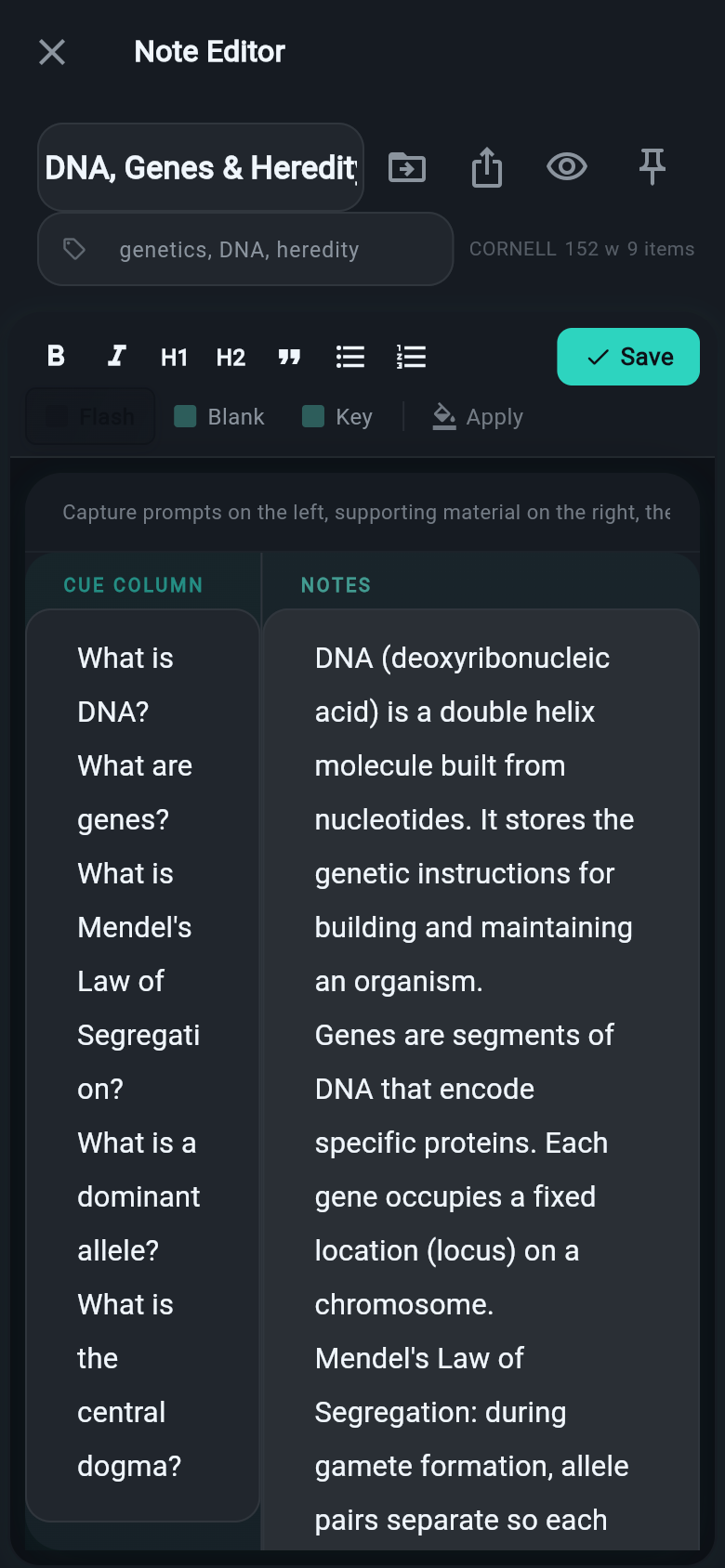
Four proven note templates
Choose the format that matches your material. Cornell notes for lectures, outline for concepts, charting for comparisons, sentence format for quick facts. Each template generates the right type of study items automatically.
Auto-generated study material
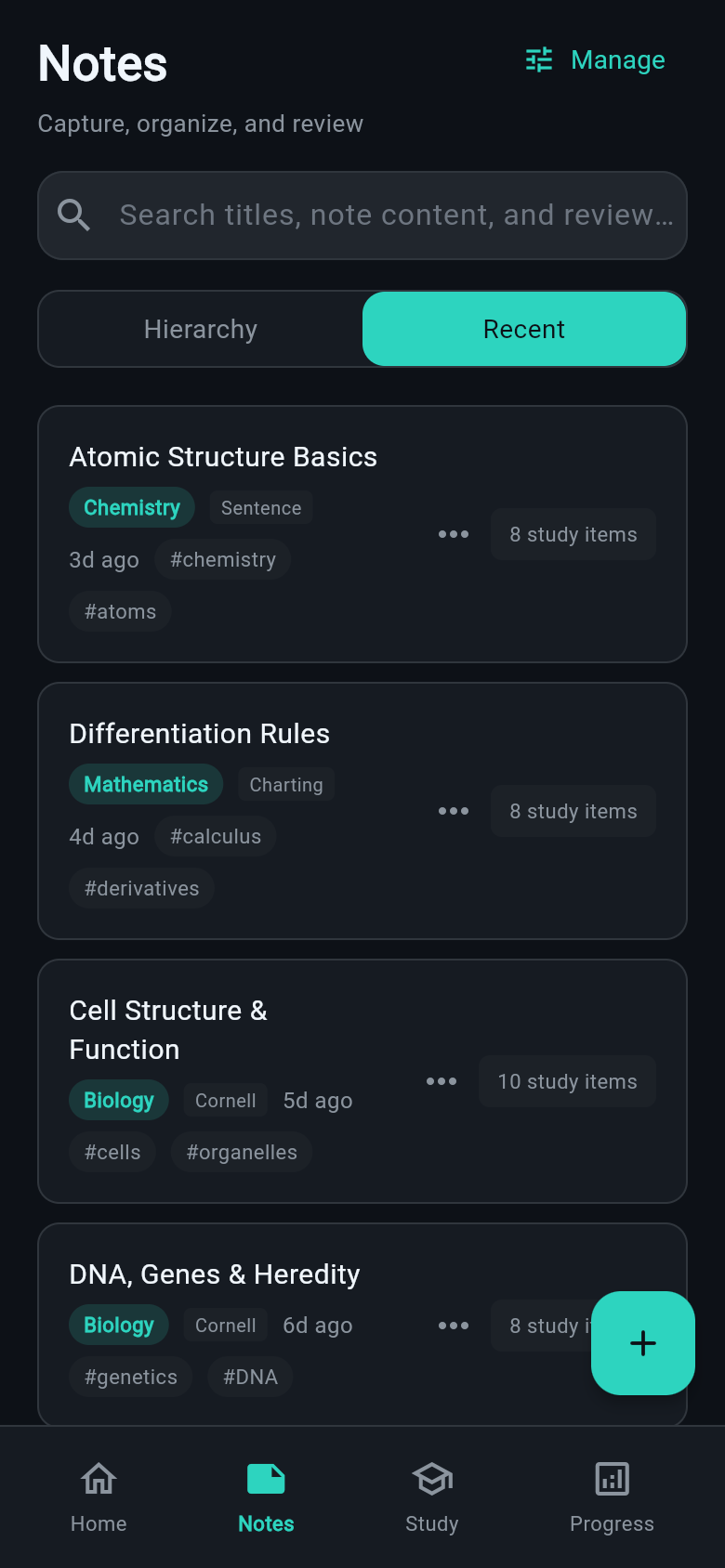
No manual flashcard creation. Study Lab reads your notes and instantly generates flashcards, multiple-choice quizzes, fill-in-the-blank exercises, and match pairs — all sourced directly from what you wrote.
Smart study sessions
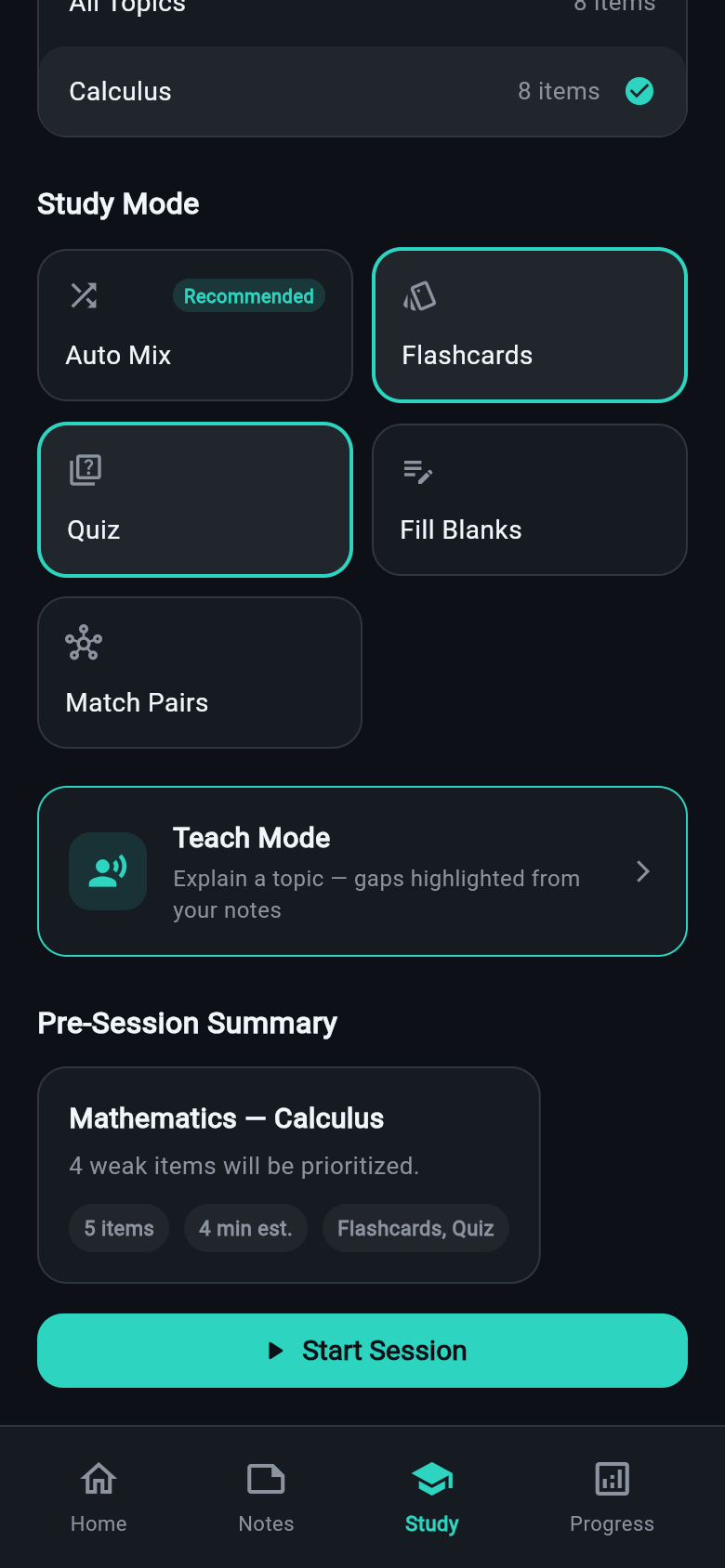
Pick a subject, choose a mode — or let Auto Mix rotate through question types for you. Sessions track confidence in real time, prioritise items you struggle with, and show your progress as you go.
Mistake bank & mastery scores
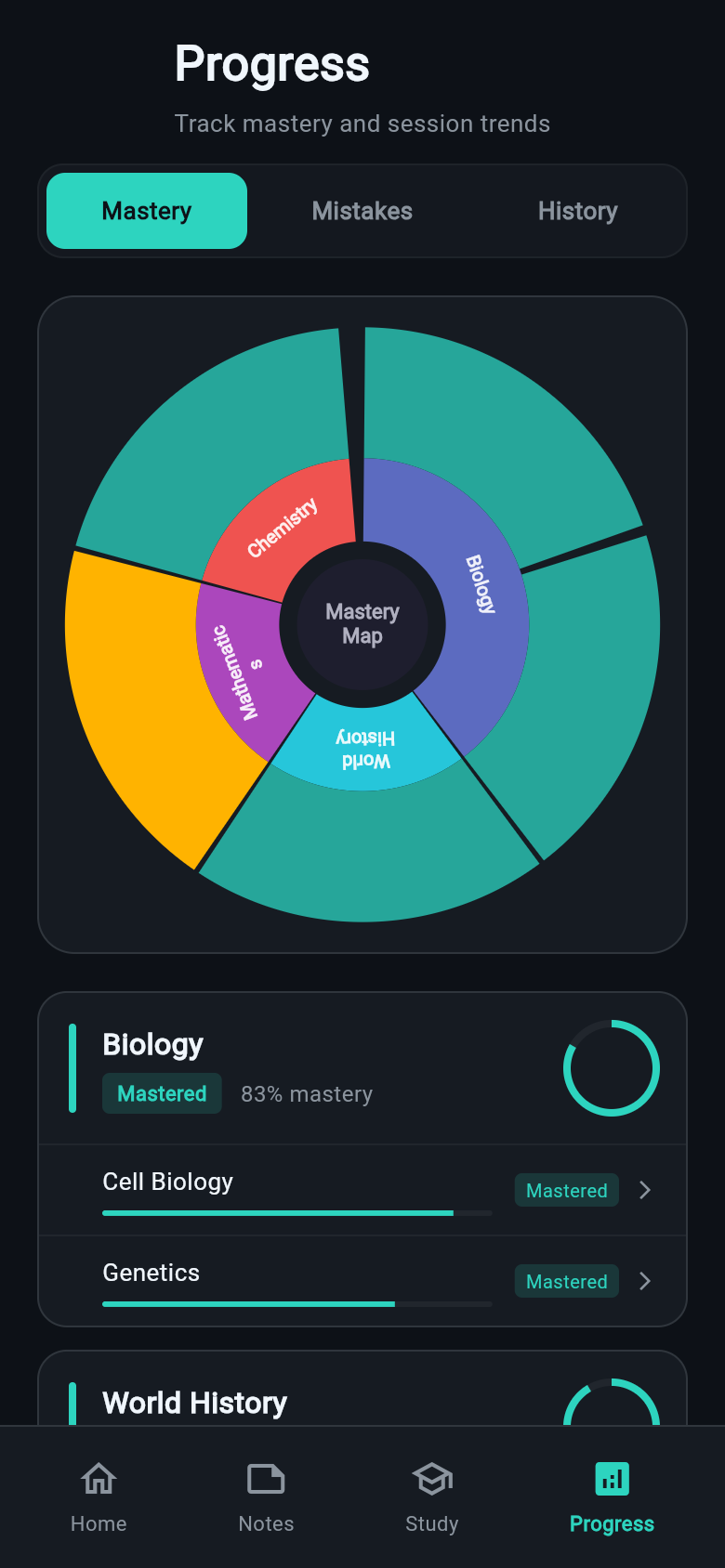
Missed items are saved automatically. The mistake bank resurfaces them in future sessions so nothing slips through. Per-subject mastery scores show exactly where you stand — and what to study next.
Every way to study
Different question types test recall in different ways. Auto Mix combines them for the best results.
Flashcards
Classic front/back active recall.
Quizzes
Multiple-choice questions from your notes.
Fill-in-the-blank
Complete sentences with key terms removed.
Match pairs
Link terms to their definitions or equivalents.